This week’s post is different than all of my other blog posts. Normally I show you something that I have made that worked like I had hoped. . . .well not this week. I planned on showing you what I had been working on at the end of last week and over the weekend but it ended up not working out at all. I am still going to show you what I did, just keep in mind that it is a complete fail – it just doesn’t work.
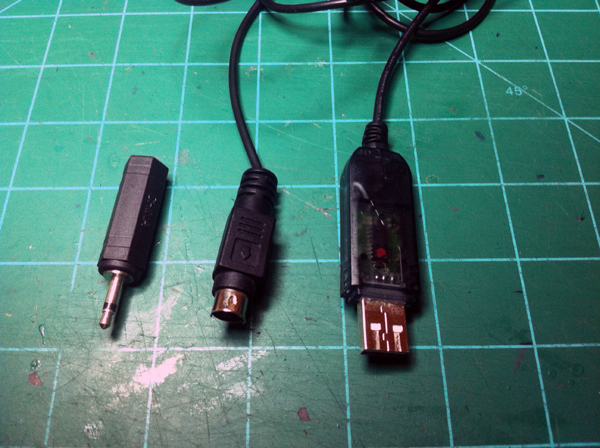
I fly RC planes and sometimes I will use a simulator to practice. I have been wanting to learn how to do 3D stunts, so recently I have been using the simulator more than before. My current setup is to use a cheap Esky 4ch radio with a USB cable to use FMS (Flying Model Simulator). My only problem with that setup is I don’t fly my planes with the el cheapo Esky radio, I use my nice JR 8103. I looked into it and I can in fact buy a cable that goes from my JR radio to the computer. When I saw the cable online, it looked identical to the current cable I was using except for the one online (for the JR) had a mono headphone plug on the end and not an Esky connector. So I decided to modify my current cable to make it work with my JR.
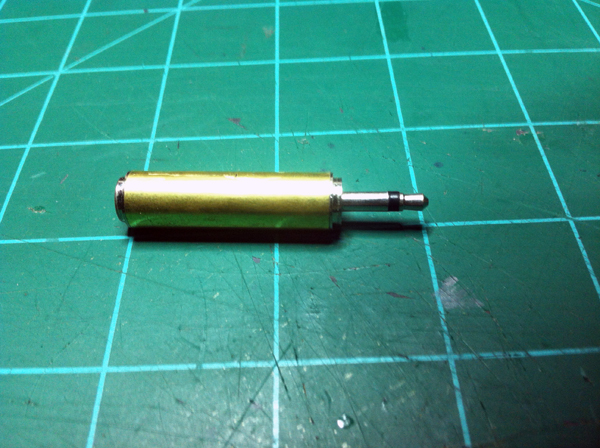
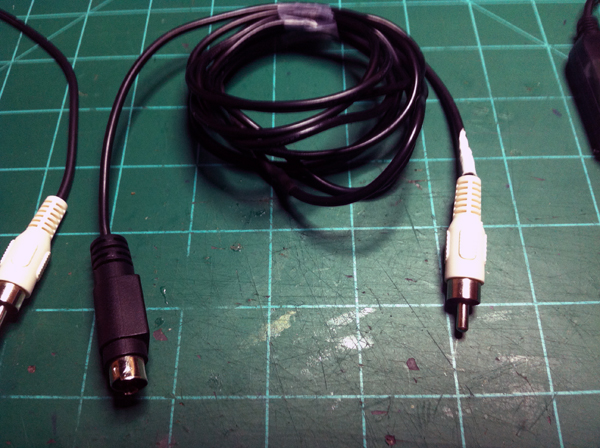
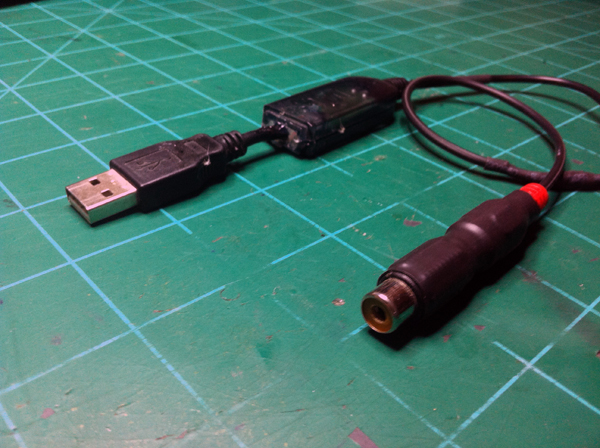
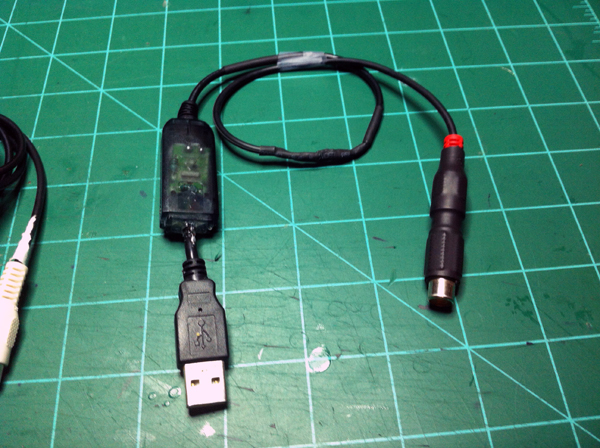
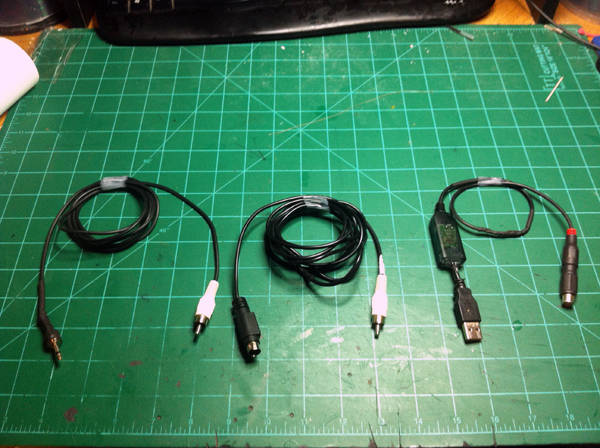
I went and scrounged up parts to make the new cable. I didn’t have a straight up 1/8″ male mono plug, but I did have a 1/3″ plug to 1/8″ lug adapter so I used that. For this cable I didn’t want to completely get rid of my Esky plug because what if I was outside flying (with my JR radio) and my little brother wanted to use the sim? He wouldn’t be able to. So I decided to make the plugs switchable to where I could either use my JR plug or the Esky plug. After cutting the USB cable and seeing that there were only two wires going from the transmitter to the computer I decided to use an RCA plug as a quick disconnect. I soldered onto the USB end of the cable a female RCA plug and to the Esky plug end of the cable I soldered on a male RCA plug. This way it is a very easy, simple connection. After I did this I began to work on the JR plug . . .
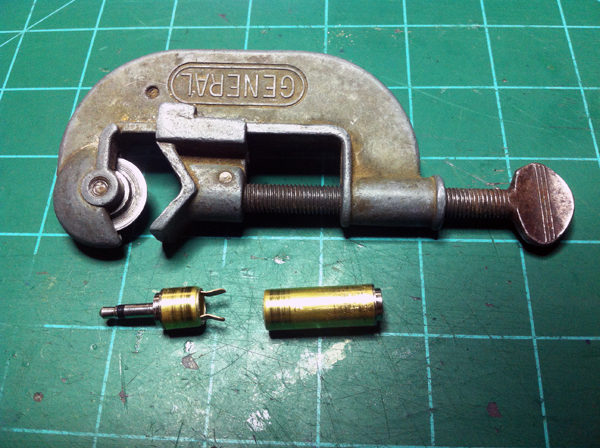
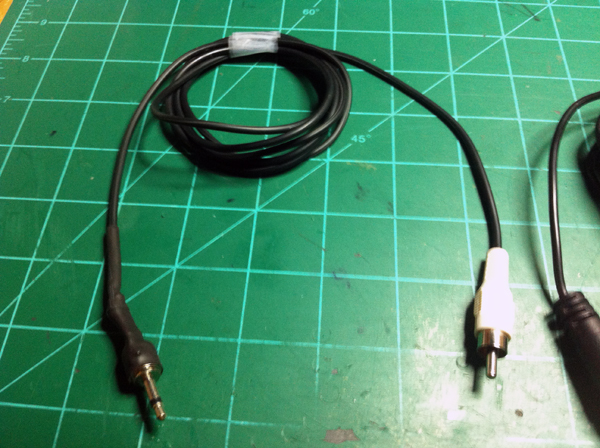
I took my 1/4″ to 1/8″ mono plug adapter and cut off the plastic housing which exposed a metal tube. I couldn’t access the center pole of the 1/8″ plug that I needed to solder to, so I took my mini pipe cutter and cut the metal tube near the 1/8″ plug side. At this point I found online the JR trainer port pinout and the Esky trainer port pinout and using this information I figured out what wires need to go to where on my new JR cable. I went and got me an RCA cable that had a male connector on one end and decided to use this for the JR sim cable I was making. I then soldered onto the end of this cable the 1/8″ mono plug and heat shrinked it all up.
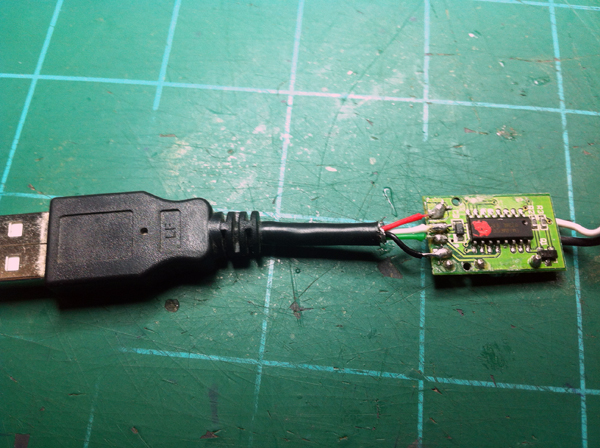
At this point my JR sim cable was finished, but I couldn’t test it yet because my 3 year old Esky USB sim cable had gone finicky at the USB plug solder joints. Ugh. So I then had to fix that. I found a USB cable that I didn’t need anymore and cut off the male USB plug. I then opened up the USB dongle that was on the end of the Esky simulator cable and de-soldered that broken USB plug. After finding a USB’s pinout online, I soldered the new USB plug onto the Esky sim cable. Then hot glued the new USB plug’s cable to the plastic housing as a stress relief and then closed up the plastic housing.
To make sure everything was working fine still and that I soldered the USB plug on correctly, I hooked up my sim cable with the Esky plug on it and fired up the simulator. It worked like before (except it wasn’t finicky 😀 ). When everything checked out fine, I closed down the simulator, put the JR plug on, plugged in my JR radio, and then went back to the simulator. Nothing. Didn’t work. I then went to my computer’s control panel to calibrate it in the gamer control’s settings and Microsoft didn’t even recognized it. So I then began trouble shooting. I rechecked my solder joints, checked continuity on the wires, made sure my transmitter was in the right mode with the right settigns, as a test I switched wires on the plug (Ground became data and data became ground), googled, asked on RCgroups, . . . Still nothing. It was a big let down because I had spend a couple of hours on it and even more time troubleshooting.
I thought I’d go ahead and share what I did do, even if it didn’t work out. I guess I will now have to order me a cable *wipes tear* 😛